


★★★★★
Belchior L. Verified purchase
Good
BUY MORE. SAVE MORE.
Offer valid only on products in this collection.
Automatically applied at checkout. No code needed.
15% off applies only to purchases of 4 or more items. Cannot be combined with existing discounts or other promotions.
JUMP STARTER GUIDE
Find answers to common questions about using, charging and troubleshooting your GOOLOO jump starter.
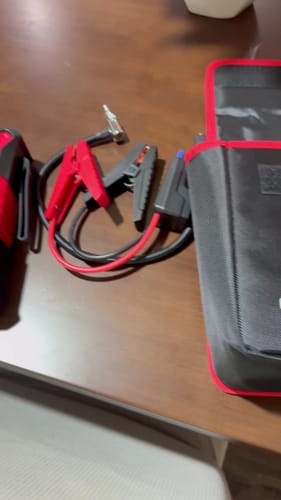
The jumper cable features a smart Over-Start Protection function. If you start the vehicle more than 4 times in 2 minutes, the jumper cable will turn on Over-Start Protection: the green and red lights will start to blink and the battery clamps will have no output. When you disconnect the jumper cable plug from the jump starter, the smart Over-Start Protection will reset.
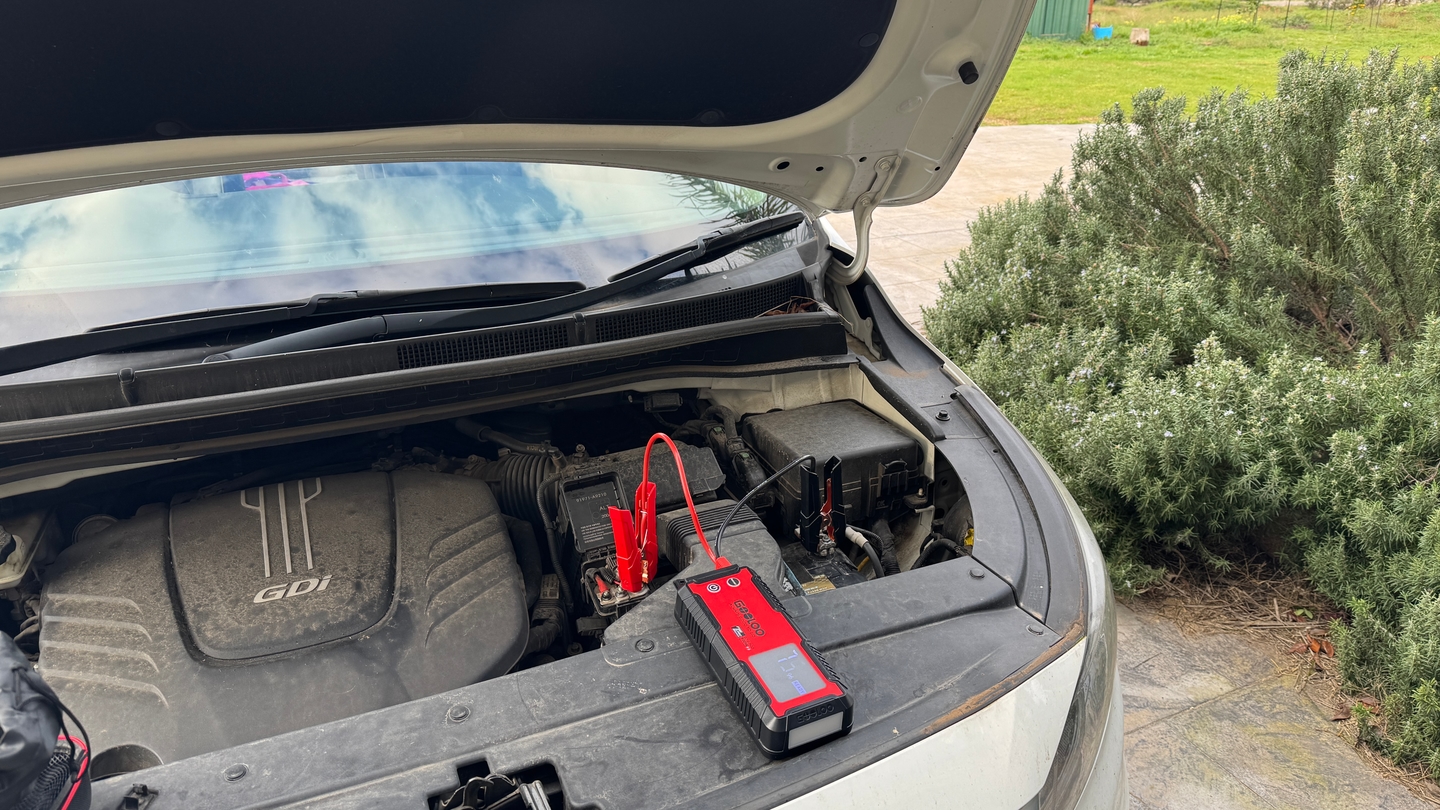
The indicator on the jumper cable will show a steady green light when the battery clamps are correctly connected to the vehicle battery. If a steady red light comes on and the unit is beeping, the connection needs to be reversed.
Recharge this unit fully, and try to press the “BOOST” button after connecting the vehicle battery correctly. A solid green light will show on the clamp or READY (solid) will appear on the screen (for models with an LCD screen). Then start the vehicle within 30 seconds. If it still does not work, contact us at contact@gooloo.com.au and attach your order ID.
Yes. It supports charging other devices while being charged. However, it CANNOT charge other devices while starting a vehicle.
We recommend recharging the GOOLOO Jump Starter every 3 months.
The GOOLOO Jump Starter will not charge devices that draw only a weak load current. This includes products like the iPhone 6, headphones, and many smart watches. This unit has a minimum load current of 200mA and will automatically turn off after 30 seconds if the load current is lower.
Charge it overnight using a USB-C cable and wall charger. If it still does not work, contact us at contact@gooloo.com.au and attach your order ID.
The unit may be defective. Please email us at contact@gooloo.com.au. Taking a video of the charging process and attaching your order ID would greatly shorten the handling process.
For model-specific instructions, please refer to your product’s user manual.
Belchior L. Verified purchase
Good
Alejandra S. Verified purchase
Worked perfectly!
Marc J. Verified purchase
Joss
Rudin E. Verified purchase